
In our Darklup plugin, you can easily use trigger settings. This setting will help you to exclude any page, post, or category of your WordPress website from dark mode.
To use effective features go to the following settings – Darklup Dashboard > Exclude Settings > Pages/Posts/Categories.
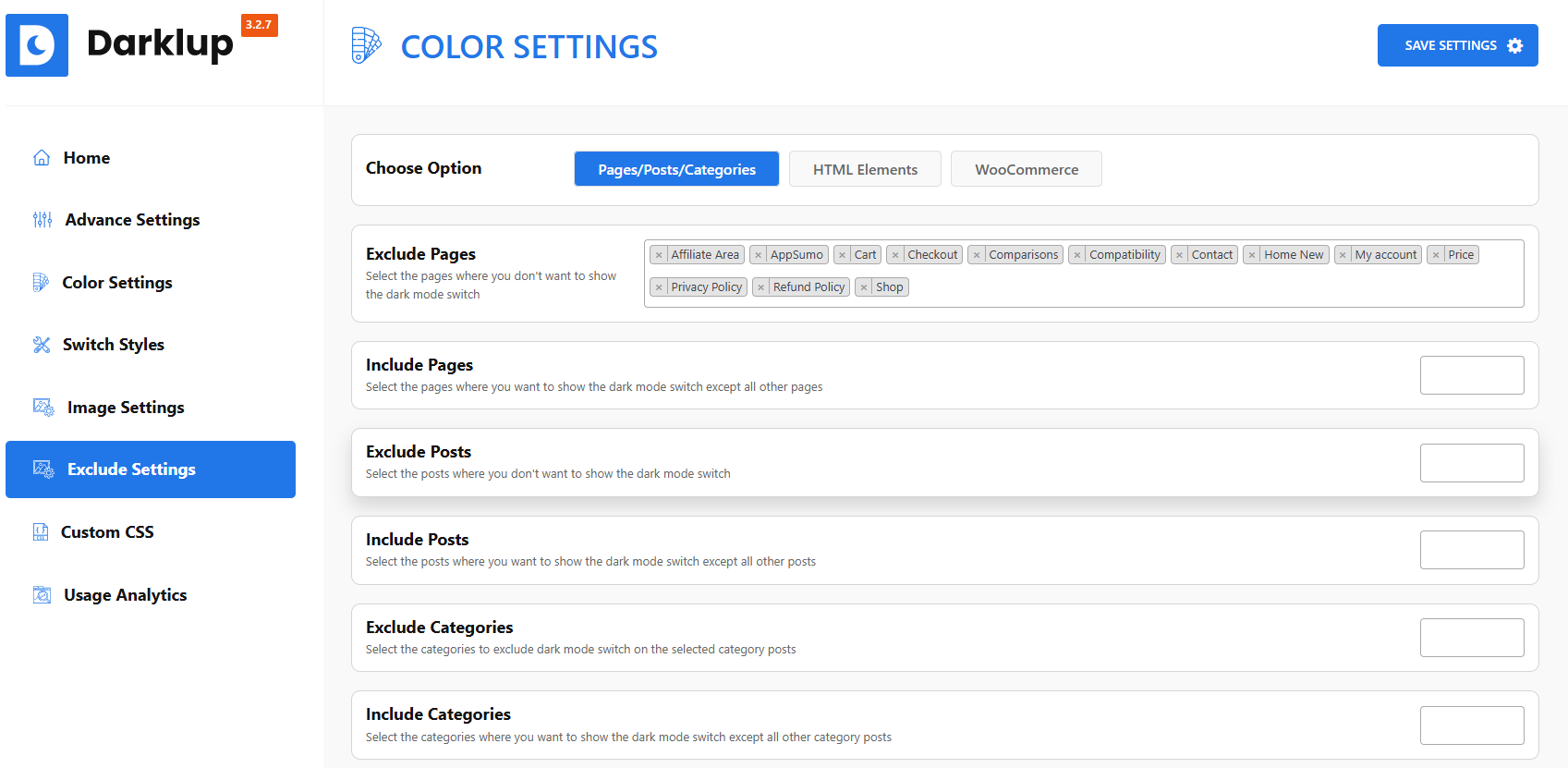
There are various options available. Such as
- Exclude Pages – Disable the dark mode switch for pages.
- Exclude Posts – Disable the dark mode switch for posts.
- Exclude Categories – Disable the dark mode switch for categories.
Also, there are options available for including pages, posts, and categories.