
Darklup Accessibility Font Weight module makes all body text bold, increasing its visual weight and making it easier to read for visitors who need stronger text contrast.
This Accessibility Font Weight module applies font-weight: 700 (bold) to all paragraph text, list items, labels, and other readable text elements across the page.
Step 1: Enable Accessibility Font Weight Module in Admin #
Go to Darklup Dashboard > Switch Styles > Floating Switch. Make sure the Accessibility Switch is selected.
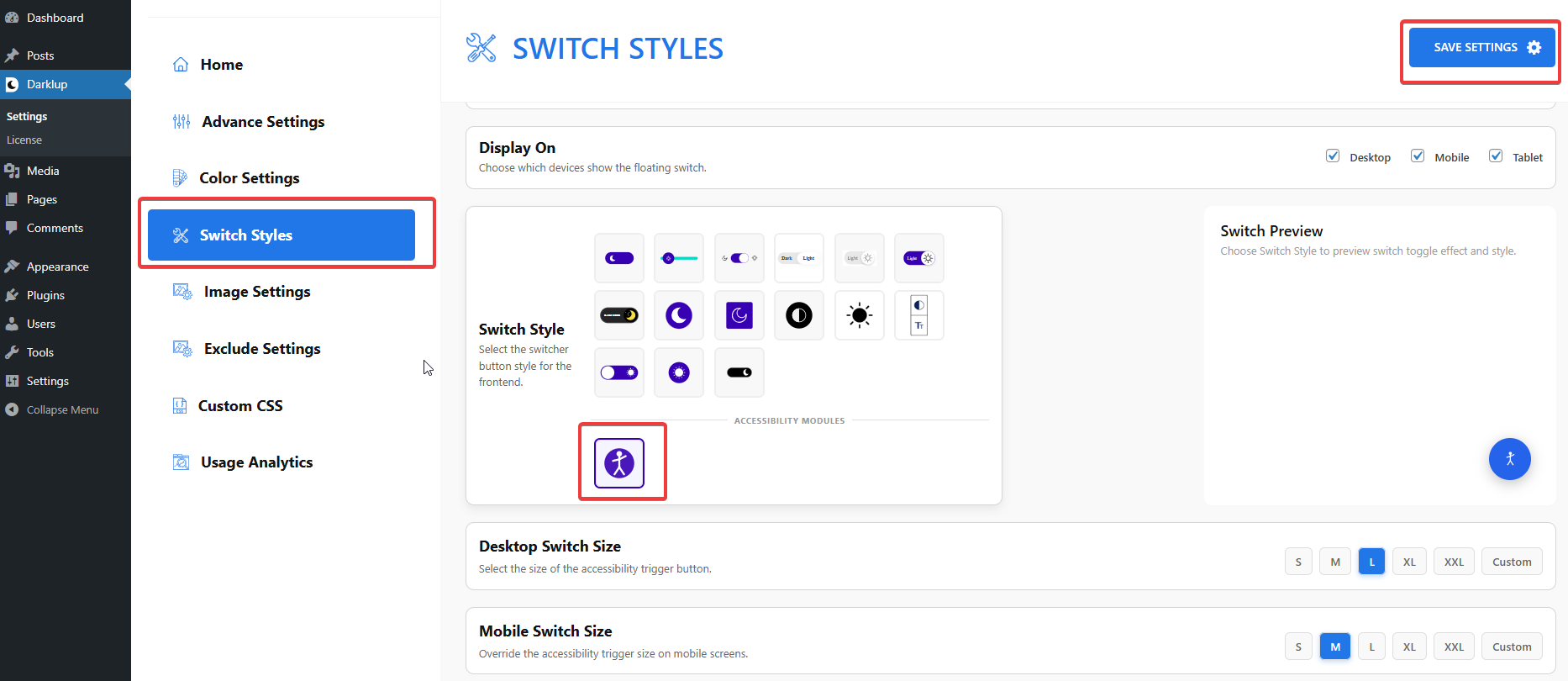
Scroll down to the Typography group and make sure Font Weight is toggled On.
Step 2: Check Your Frontend Outlook #
When a visitor clicks Font Weight in the panel, all body text on the page becomes bold.
Clicking the card again returns the text to its original weight.
This is how to configure Darklup Accessibility Font Weight Module in just a few steps. If you want to get all Darklup features, visit our documentation page for a step-by-step guide.