
Using shortcodes is a quick and flexible way to add a dark mode switch anywhere on your website. With the Darklup – Dark Mode Plugin, you can easily insert the switch into posts, pages, widgets, or custom locations.
This is the shortcode for the dark mode floating switch – [darklup_darkmode_switch]
You can now insert the shortcode wherever you want the dark mode switch to appear
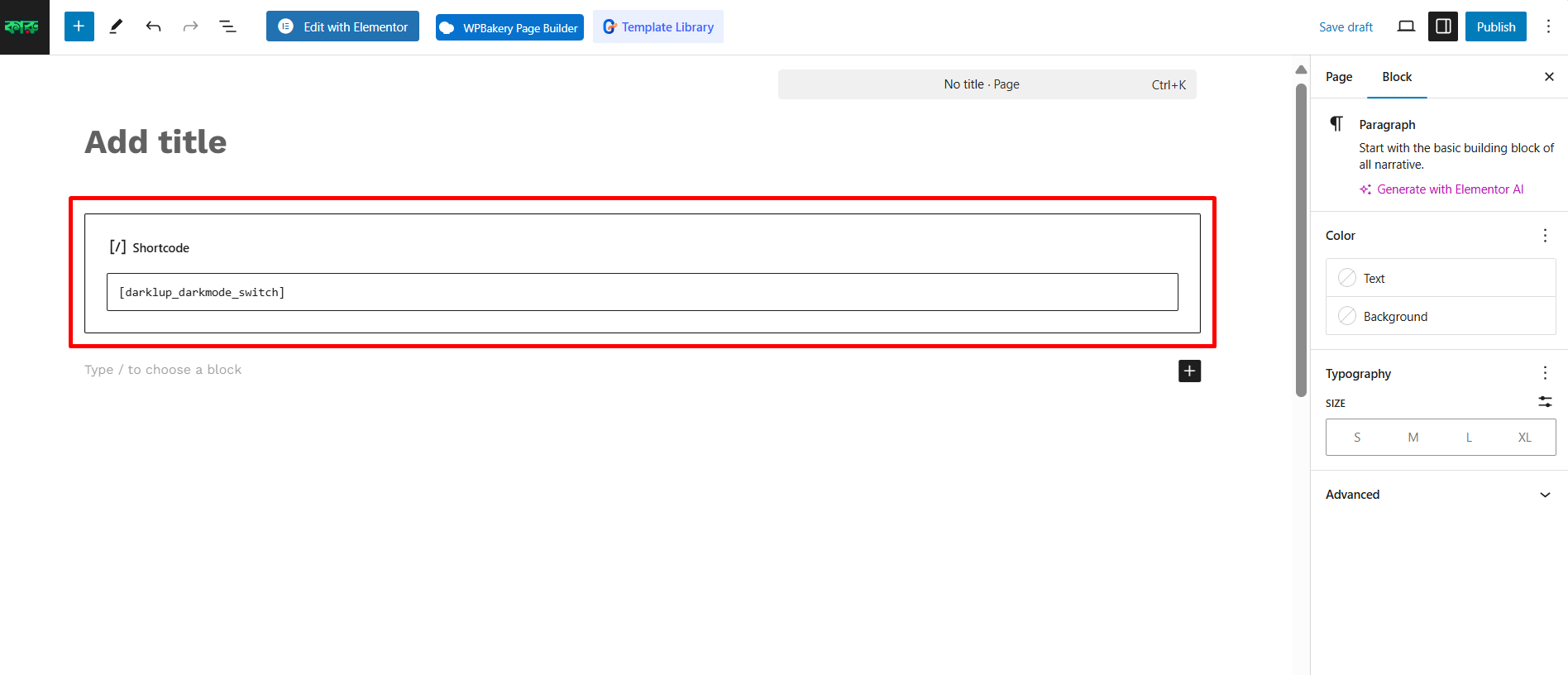
In Pages or Posts – Open the page or post in the Gutenberg or Classic Editor.
Paste the shortcode where you want the dark mode switch to appear.
Save or update the page.
In Widgets – Navigate to Appearance > Widgets in your WordPress dashboard.
Add a Text or Shortcode widget to your desired widget area.
Paste the shortcode into the widget. Save your changes.